Despite launching in a relatively solid technical state, ARC Raiders has become noticeably less stable after recent patches. Players are now encountering frequent crashes, launch failures, Unreal Engine 5 errors, Easy Anti-Cheat (EAC) issues, network disconnects, and severe performance drops — even on high-end PCs. One of the biggest mistakes players make is relying on generic advice like reinstalling Windows, updating DirectX blindly, or endlessly verifying game files. In many cases, these steps do absolutely nothing. This guide explains what actually breaks in ARC Raiders, why it happens, and what solutions really work when the game refuses to launch, crashes on startup, or throws UE5 and EAC errors.
ARC Raiders System Requirements
Before troubleshooting, make sure your PC meets the official system requirements. Running the game below minimum specs almost guarantees crashes, errors, and unstable performance.
Minimum Requirements
- OS: Windows 10 / Windows 11 (64-bit)
- CPU: Intel Core i5-6600K / AMD Ryzen 5 1600
- RAM: 12 GB
- GPU: NVIDIA GTX 1050 Ti / AMD RX 580 / Intel Arc A380
- DirectX: Version 12
- Internet: Broadband connection required
Systems at minimum specs should expect low to medium settings at 1080p only.
Recommended Requirements
- OS: Windows 10 / Windows 11 (64-bit)
- CPU: Intel Core i5-9600K / AMD Ryzen 5 3600
- RAM: 16 GB
- GPU: NVIDIA RTX 2070 / AMD RX 5700 XT / Intel Arc B570
- DirectX: Version 12
- Internet: Broadband connection required
General Fixes That Actually Matter
These are not generic tech-support tips — they address components ARC Raiders directly depends on.
Update GPU Drivers
ARC Raiders runs on Unreal Engine 5 and heavily relies on modern rendering features. As a result:
- Outdated drivers cause crashes, black screens, UE5 errors, and unstable FPS.
- Brand-new drivers can also introduce instability.
Best practice:
- Use official NVIDIA / AMD drivers.
- If the newest driver causes issues, roll back to a known stable version.
- Avoid drivers released within the last few days unless confirmed stable by the community.
Update DirectX Libraries
Even on Windows 10/11, not all DirectX components are guaranteed to be present.
DirectX issues often cause:
- Game not launching
- UE5 crashes with no error message
- Crashes during map loading
Install the latest DirectX runtime libraries from Microsoft — this alone resolves many silent crashes.
Reinstall Visual C++ Redistributables
ARC Raiders depends on multiple Visual C++ Redistributable packages.
If they’re missing or corrupted, the game may:
- Fail to launch
- Close instantly without errors
- Crash while loading
Windows may falsely report them as installed even if broken. A full reinstall of the latest Visual C++ packages is often required.
Read also: ARC Raiders Review — A Newcomer That Redefines the Extraction Shooter Formula
Fully Update Windows
ARC Raiders and Easy Anti-Cheat rely heavily on modern Windows security features.
Common problems occur if:
- Windows updates are disabled
- Security components are outdated
- Optional updates were skipped
Go to Windows Update and install all available updates, including optional ones.
Overlays and Background Software Conflicts
Before launching ARC Raiders, close:
- Discord overlays
- NVIDIA GeForce Experience overlay
- MSI Afterburner
- RivaTuner
- Input capture software
- Macro tools
Even harmless apps can conflict with Easy Anti-Cheat and prevent the game from launching.
ARC Raiders Closes After Easy Anti-Cheat Launch
A very common issue:
- Easy Anti-Cheat window appears
- After ~1 minute it closes
- The game never starts
Sometimes an error appears:
“Embark Game Boot Error”
This is not a GPU crash. In most cases, EAC failed to initialize.
Main Causes:
- Corrupted Easy Anti-Cheat files
- Antivirus blocking EAC
- Overlay conflicts (Steam, Discord, NVIDIA)
- Missing folder permissions
If the EAC window closes without any error message, it is almost always a permissions issue, especially when Steam is installed in a system directory.
ARAV Errors and System Integrity Failures
If ARC Raiders shows errors like ARAV*, it means your system fails EAC security checks.
Common triggers:
- Disabled Memory Integrity (Windows Security)
- Secure Boot turned off
- Outdated Windows build
- AutoHotkey, macros, auto-clickers
- Cheat Engine
- NVIDIA Profile Inspector
- Virtual machines
Easy Anti-Cheat Aggressive Behavior
EAC in ARC Raiders is extremely strict. It flags software that:
- Emulates input
- Hooks memory
- Alters drivers
- Draws overlays
Frequently problematic tools:
- MSI Afterburner / RivaTuner
- Custom mouse or keyboard macros
- Overclocking software
- Third-party overlays
Solution:
Launch ARC Raiders in a completely clean environment. If an app runs in the background — close it.
Stuttering, Freezes, and FPS Drops on High-End PCs
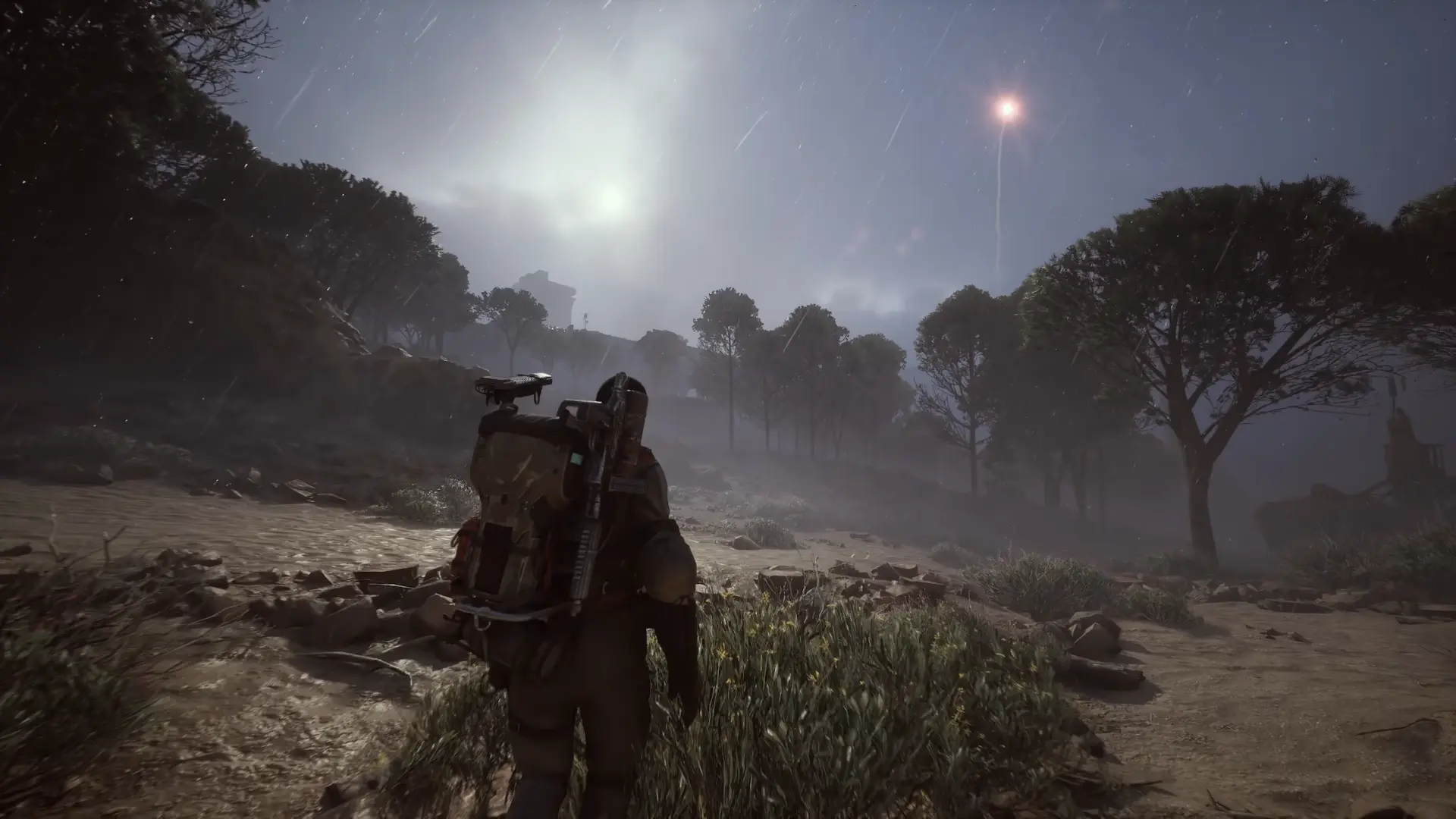
A particularly nasty bug affects powerful systems:
- Intel i7/i9 or Ryzen 7/9
- RTX 4070 / 4080 / 4090
- DDR5 6000+ memory
Symptoms:
- Microstutters
- FPS instability
- Severe frame drops
Root Cause
ARC Raiders sometimes runs as a background window, even during gameplay. Windows then limits CPU and GPU resources.
Working Fix
Force true fullscreen mode using Steam launch options. This restores proper CPU/GPU priority and eliminates stuttering.
Additionally:
- Updating DirectX or reinstalling Windows often does nothing
- Updating BIOS and disabling all CPU/RAM overclocks (including XMP) has solved crashes for many users
ARC Raiders + EAC are extremely sensitive to memory timing instability — even mild overclocks can cause crashes.
Unreal Engine 5, DX12, and Fatal Errors
Common errors:
- Fatal Error
- Unhandled Exception
- EXCEPTION_ACCESS_VIOLATION
These are classic UE5 crashes usually caused by:
- DirectX 12 instability
- Ray tracing
- NVIDIA Reflex
- Driver issues
Recommendations:
- Try DX11 instead of DX12
- Disable ray tracing
- Disable NVIDIA Reflex
- Use medium or low settings
Ultra settings are currently not worth losing raids to crashes.
Network Errors: SID, ART00004, Timeouts
Errors like:
- SID error
- ART00004
- Network timeout
- Connection failure
Usually mean server connection issues, not corrupted files.
ARC Raiders uses encrypted Cloudflare routes. Some ISPs:
- Block these routes
- Use CGNAT
- Mishandle TLS traffic
Reinstalling the game will not help — the issue exists between your ISP and Embark servers.
“Maximum Number of Games Running” Error
This is an Easy Anti-Cheat session bug, not a ban.
Fix:
- Fully close Steam
- End all ARC Raiders processes
- Reboot your PC
Voice Chat Problems
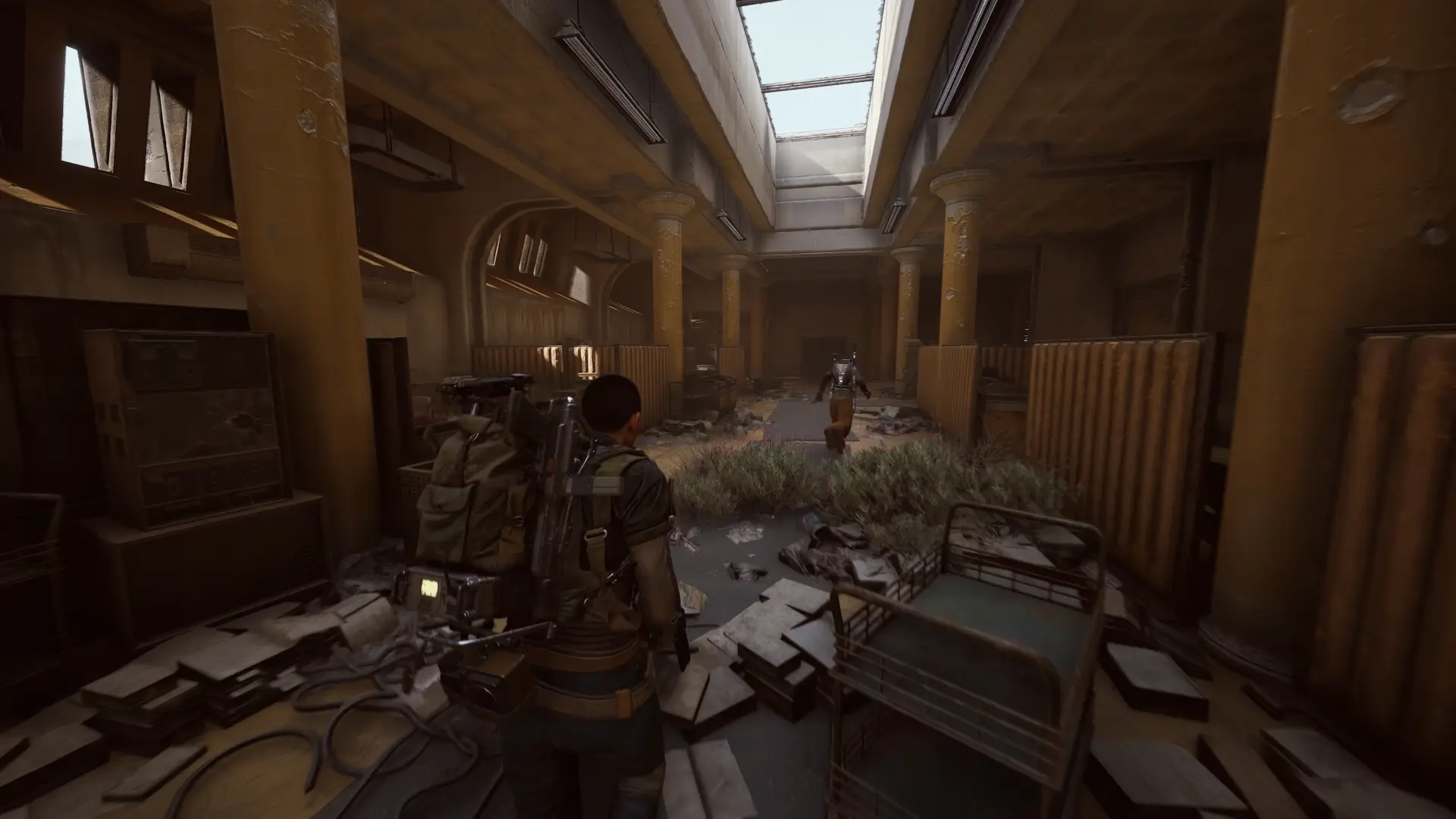
Issues with proximity VOIP:
- Robotic audio
- CPU spikes
- Stutters and freezes
Fixes:
- Use Push-to-Talk
- Disable Raider Voice on CPUs with 6 cores or fewer
Gameplay Bugs You Cannot Fix
Some bugs are purely server-side or engine-related:
- Animation lockups
- Broken quests
- Missing interactive objects
- Enemies immune to stun during storms
In most cases, only reconnecting helps — otherwise, you must wait for a patch.
Conclusion

Most ARC Raiders issues are caused by a fragile game build, an overly aggressive anti-cheat, and unstable networking routes. Blindly reinstalling Windows, cycling drivers, or toggling DX versions rarely works.
What actually helps:
- Clean system environment
- No overclocks
- Stable BIOS and memory settings
- Medium graphics settings
- Proper fullscreen mode
- Minimal background software
Embark Studios is aware of many of these problems and continues collecting reports, but until further patches arrive, a disciplined and systematic approach is the only reliable way to keep ARC Raiders running smoothly.
About the Author